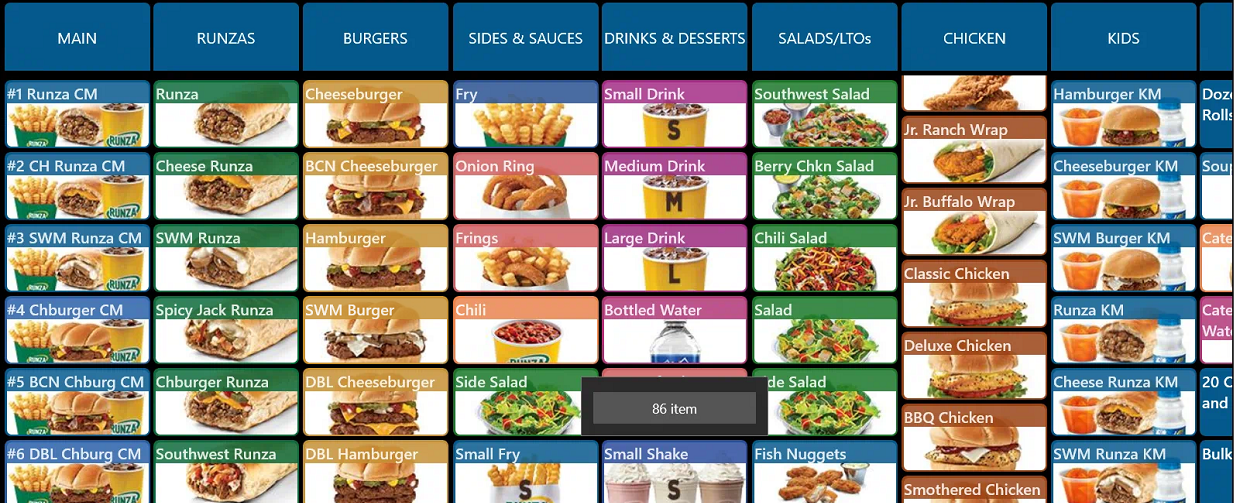
- Press and hold on the item that is not available (in this example, Small Shake)
- Press "86 Item"
- Item will now appear grayed out
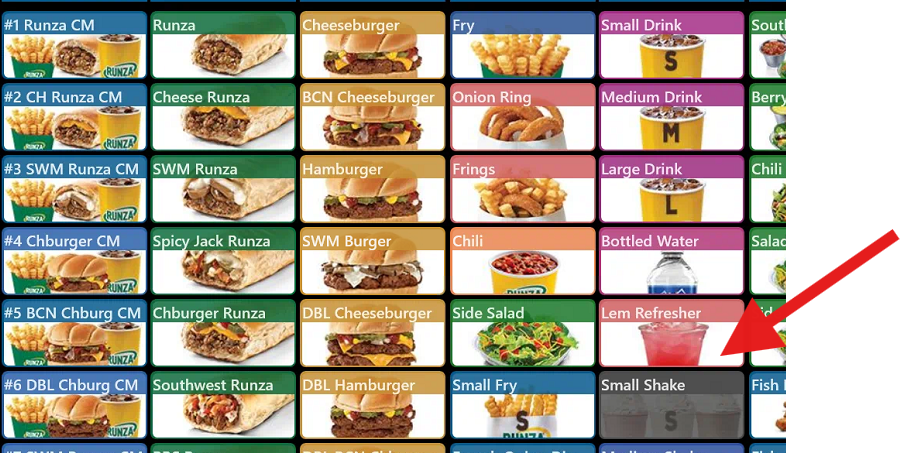
- The item will be 86'd on other registers including Kiosk, app ordering, and 3rd party delivery
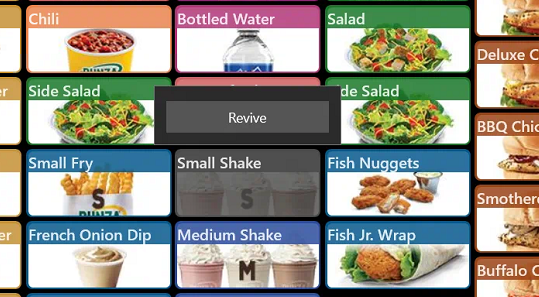
- To revive the item, follow the above steps, but tap the Revive button instead.
Was this article helpful?
That’s Great!
Thank you for your feedback
Sorry! We couldn't be helpful
Thank you for your feedback
Feedback sent
We appreciate your effort and will try to fix the article