Apply Tax Exemption to an Order
1. Ring in the customer's order as usual, then tap the Blue Hamburger Menu button at the screen's bottom right. (Notice that you can view the applied tax in the Check Summary View section.)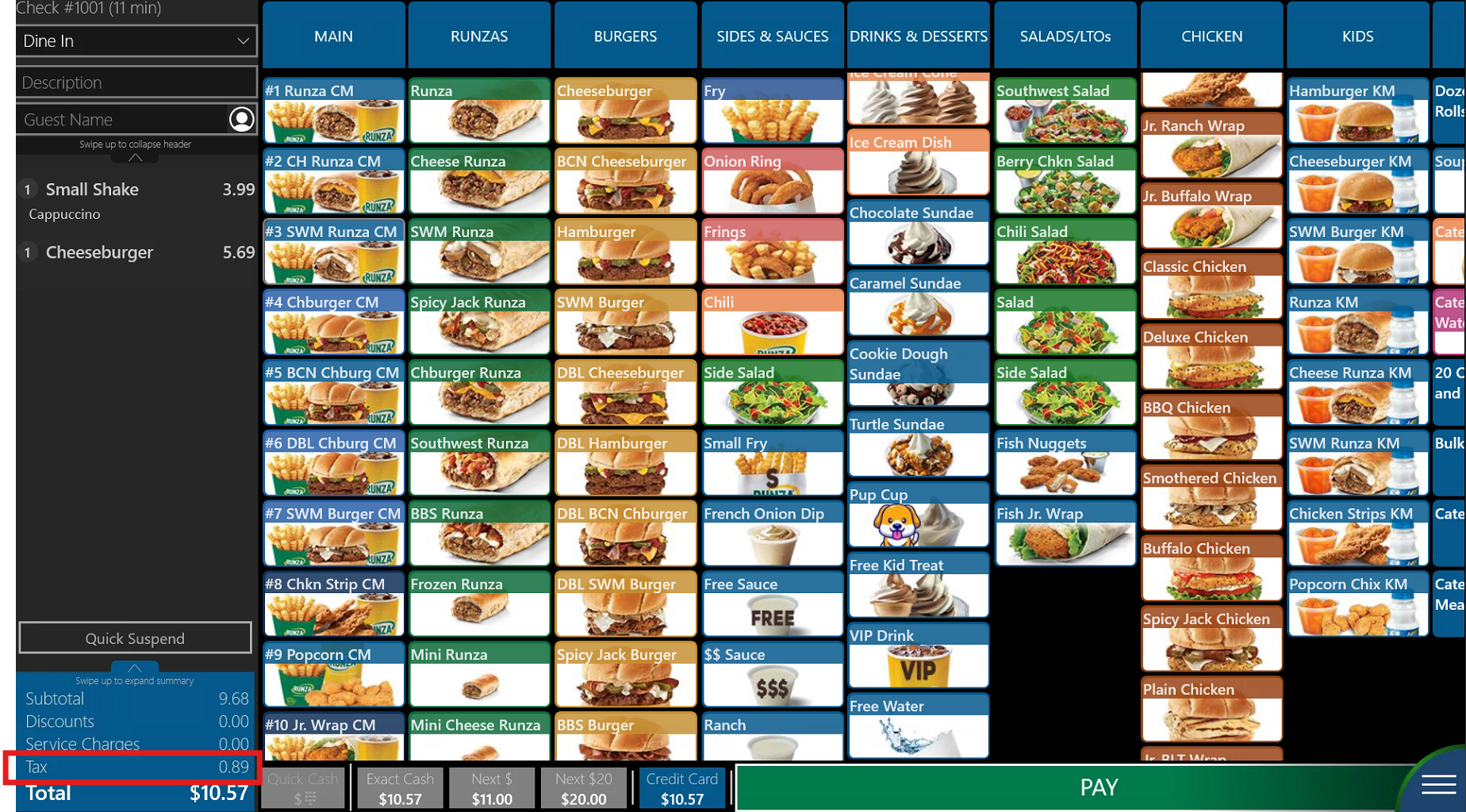
2. Tap the Tax Exempt button from the bottom menu bar.
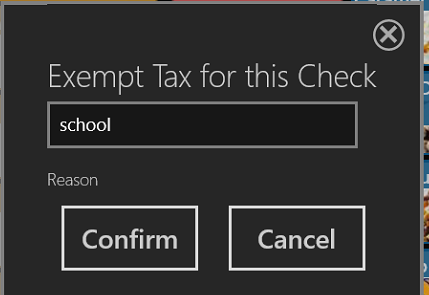
3. Provide a reason for the tax exemption, press confirm
4. You should now notice that the POS is no longer calculating the tax on the current check and displays the tax exemption reason.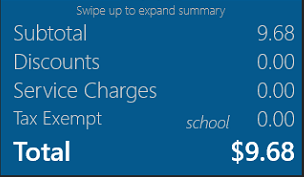
Was this article helpful?
That’s Great!
Thank you for your feedback
Sorry! We couldn't be helpful
Thank you for your feedback
Feedback sent
We appreciate your effort and will try to fix the article