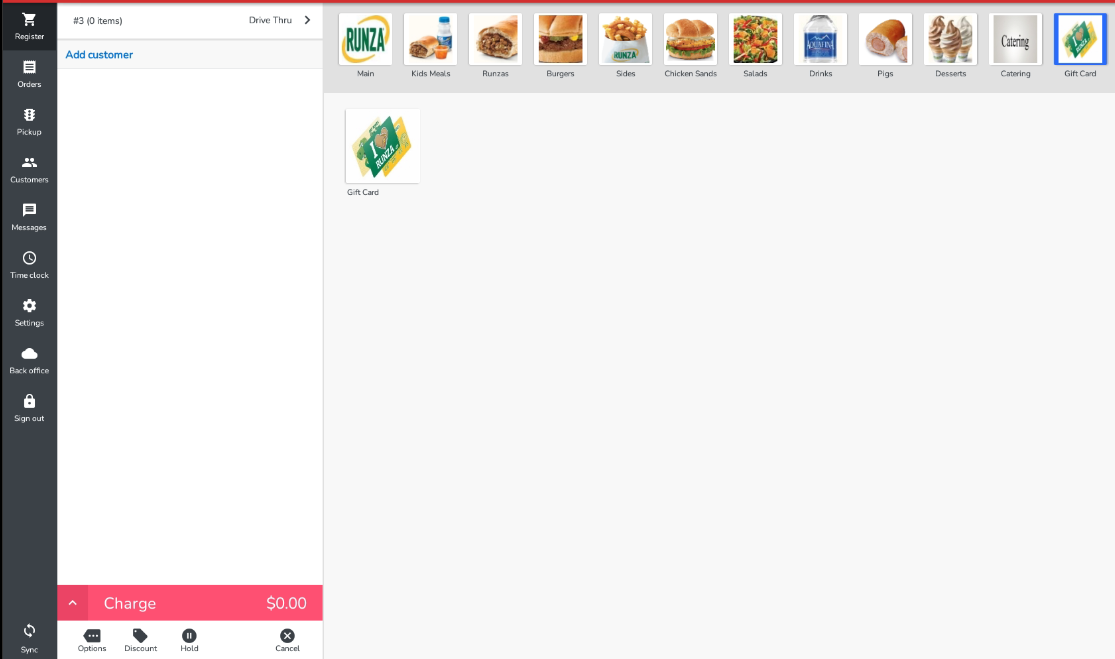
Ring in the gift card and enter the amount the customer would like to load
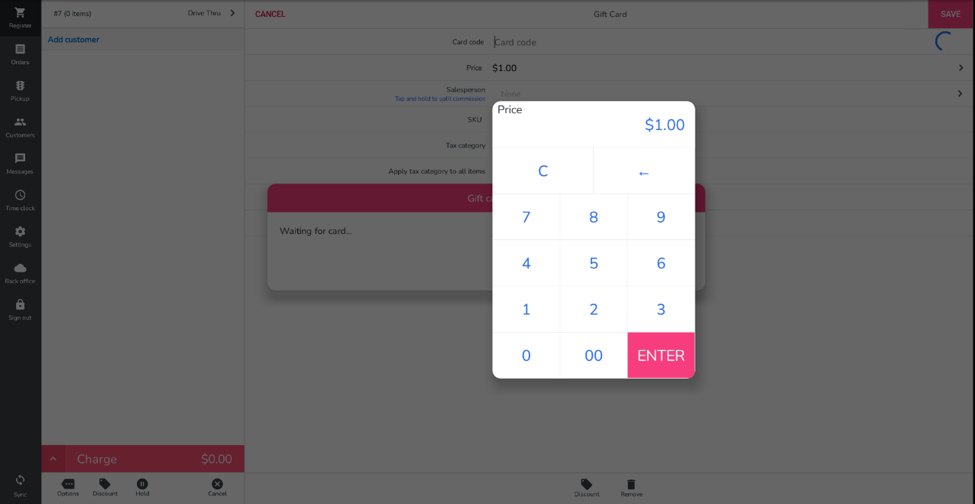
Swipe the GIFT CARD
You will see the gift card number along with amount loaded on the next screen. Press SAVE
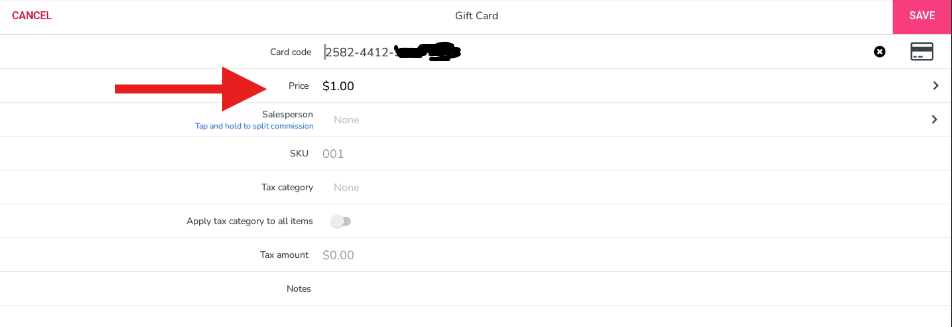
The gift card has now been activated. Pay out the check and select the customers preferred payment method.
***To reiterate: gift cards will be swiped FIRST, then the customer's card (if that's how they're paying)
Was this article helpful?
That’s Great!
Thank you for your feedback
Sorry! We couldn't be helpful
Thank you for your feedback
Feedback sent
We appreciate your effort and will try to fix the article