Claim a Till (Open the Drawer)
Tap the Blue Hamburger Menu button at the bottom-right of the screen.

Tap the Claim/Close Till option at the top menu bar.

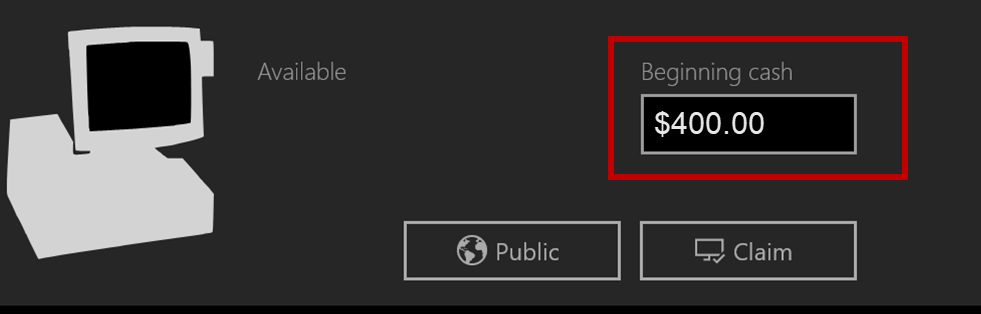
Change the Beginning Cash Amount if necessary by tapping the Amount textbox
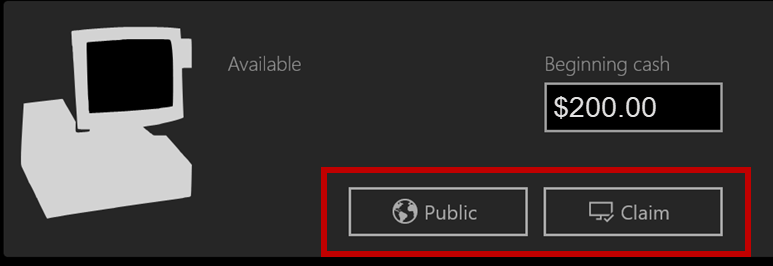
Tap the Public button
Close a Till (Close the Drawer)
- Tap the Blue Hamburger Menu button at the screen's bottom-right.

- Tap the Claim/Close Till option at the top menu bar.

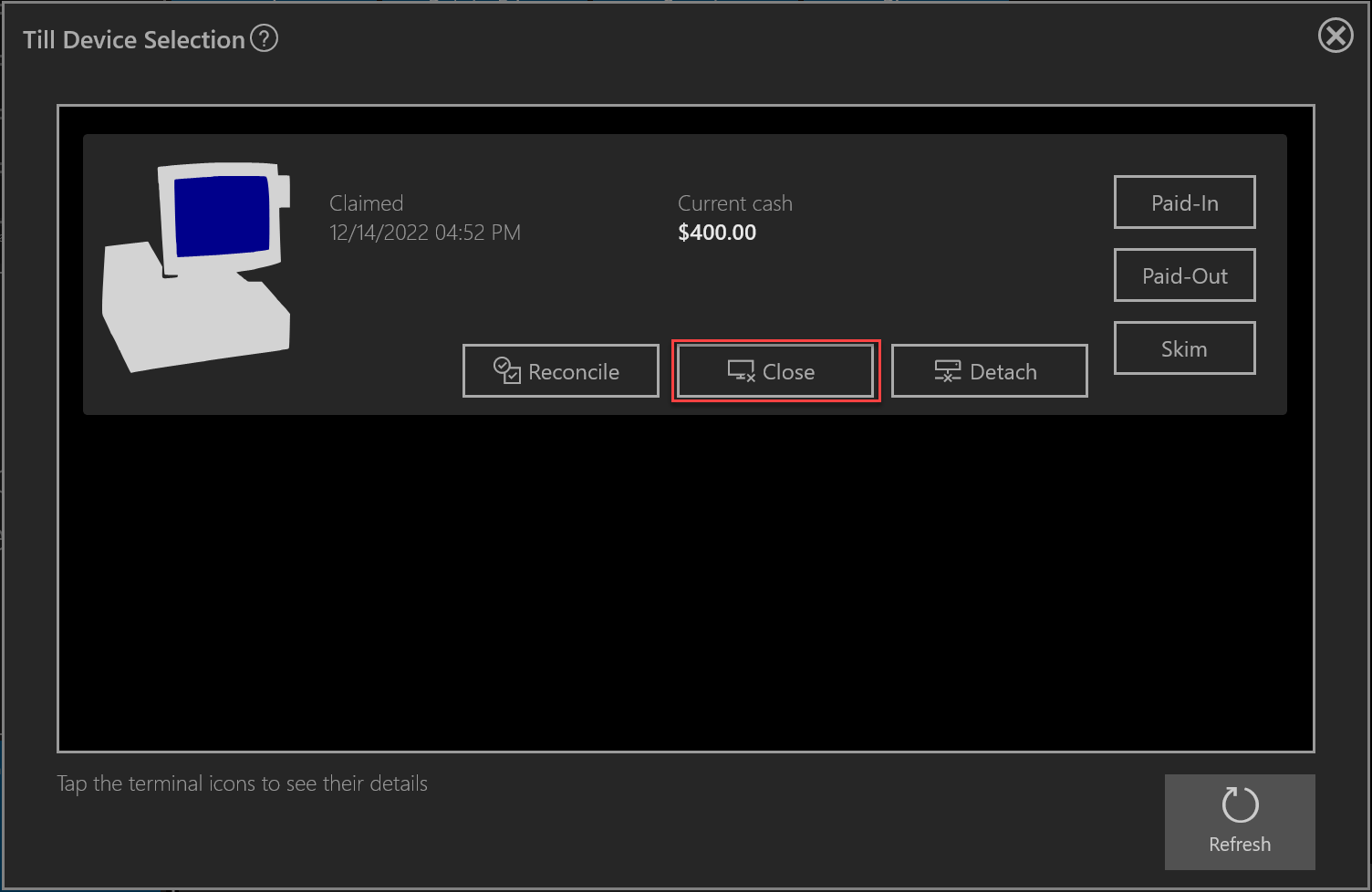
- Tap the Close button
Was this article helpful?
That’s Great!
Thank you for your feedback
Sorry! We couldn't be helpful
Thank you for your feedback
Feedback sent
We appreciate your effort and will try to fix the article